What is cPanel Webmail
cPanel Webmail is an email management interface that allows users to access their email accounts associated with their cPanel hosting account. It provides a web-based way to send, receive, and organize emails without needing a separate email client like Outlook or Thunderbird.
Key Features of cPanel Webmail:
- Multiple Webmail Clients: cPanel typically offers access to different webmail clients, such as Roundcube, Horde, and SquirrelMail. Users can choose their preferred interface.
- User-Friendly Interface: cPanel Webmail provides a straightforward and intuitive interface for managing emails, making it easy to navigate.
- Access Anywhere: Users can access their email accounts from any device with an internet connection using a web browser.
- Email Management: Features for organizing emails into folders, searching, filtering, and managing spam.
- Integration with cPanel: It integrates seamlessly with other cPanel features, allowing for easy management of email accounts, forwarders, and autoresponders.
- Customization: Some webmail clients offer customization options, such as changing themes or layouts.
- Mobile-Friendly: Most cPanel Webmail interfaces are designed to be responsive, allowing for easy access on mobile devices.
How to Access cPanel Webmail:
- Log in to cPanel: Access your cPanel account using your hosting credentials.
- Find Email Accounts: Navigate to the “Email” section and click on “Email Accounts.”
- Access Webmail: Next to the email account you want to access, click “More,” then select “Access Webmail.”
- Choose a Client: Select your preferred webmail client to log in and manage your emails.
Steps to Change the cPanel Webmail Timezone
This guide describes how to change the time zone setting for your webmail application.
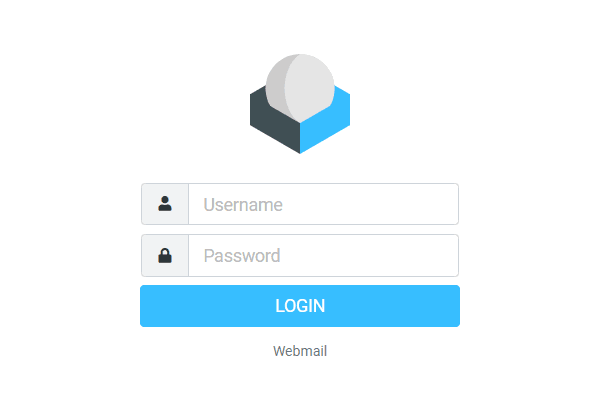
1. Log into your Webmail.
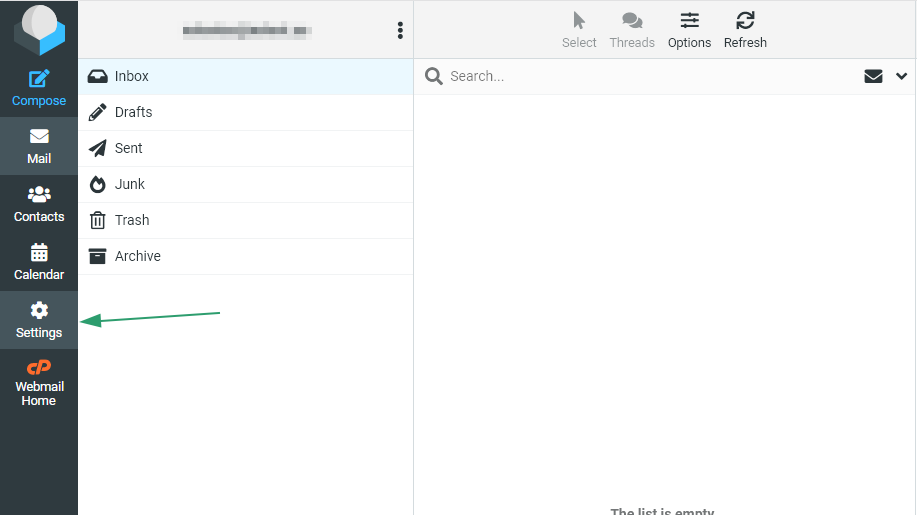
2. Click
Settings:
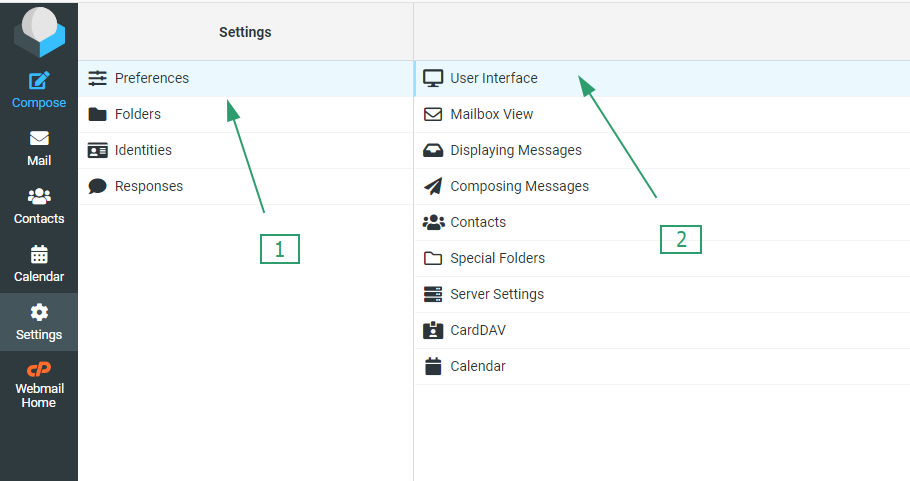
3. Click Preferences, and then click User Interface:
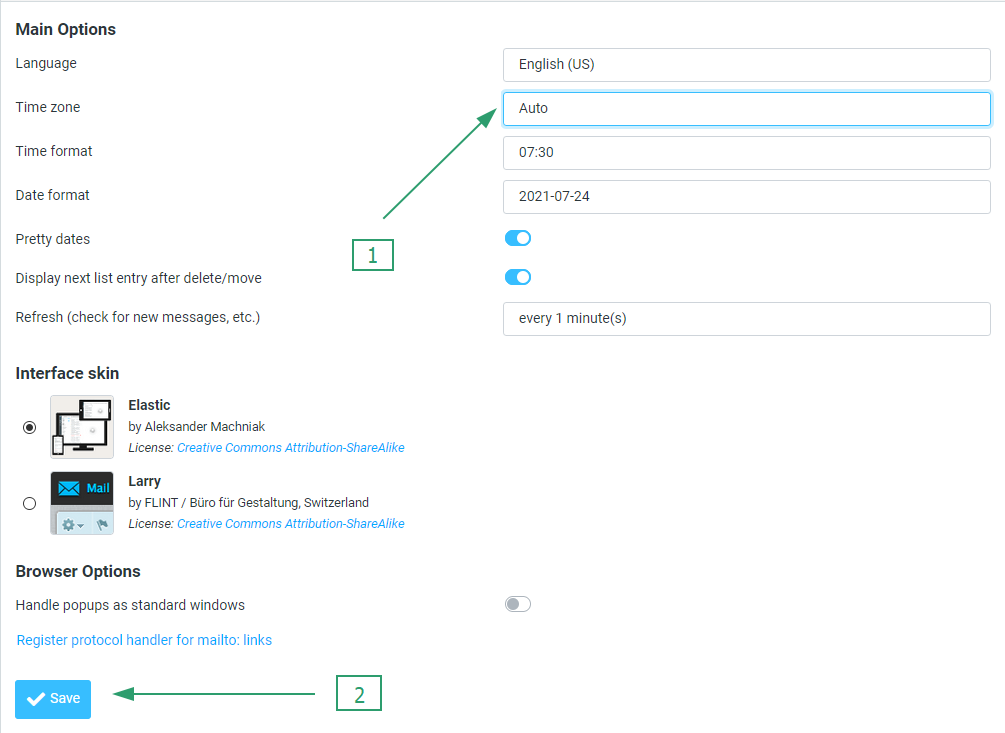
4. Select your time zone from the drop-down list, and then click Save:
That’s it!