cPanel was first released in 1996 – nearly three decades ago. A lot has happened since then. The website-building business has not only grown – it has evolved. During this time, we’ve seen the emergence of applications like WordPress that have transformed the landscape completely.
The hosting industry has changed a lot as well. Many platforms similar to cPanel have popped up, some of which are distributed under an open-source license. Yet, cPanel continues to be one of the most popular solutions of its kind.
What Is cPanel Hosting?

cPanel hosting is essentially Linux-based web hosting that includes an installation of cPanel. The hosting plan provides a cPanel account to control your web hosting elements.
With that in mind, cPanel can be used in different types of hosting, including shared, dedicated, and managed WordPress hosting.
This control panel is a good choice for beginners looking for a straightforward control panel solution. However, just like other hosting control panels, cPanel has its benefits and drawbacks.
Pros:
- User-friendly interface. The cPanel interface categorizes various features under manageable modules, allowing users to locate them easily. The cPanel dashboard also comes with intuitive menus and graphics for smooth navigation.
- Highly compatible. As one of the most popular control panels, cPanel is compatible with several web browsers, including Google Chrome, Safari, and Mozilla Firefox. Additionally, cPanel supports many third-party applications, including site builders and SEO tools.
- Wide range of features. Requiring no advanced technical knowledge, cPanel lets users perform complicated tasks such as creating subdomains and FTP accounts, managing MySQL databases, and generating site backups.
- Automatic software installation. Not only does cPanel provide numerous features, but it is also well-integrated with the Softaculous Apps Installer. It grants access to more than 400 applications, including popular content management systems. Softaculous takes care of each application during its whole lifecycle, from installation to updates.
- Reliable support. The cPanel forums and blogs contain plenty of resources. Dedicated technical manuals for both cPanel and WHM are also available. They explain how to use and solve issues with cPanel products.
Cons:
- Security vulnerability. Research shows that cPanel’s two-factor authentication (2FA) method is vulnerable to brute force attacks. To prevent this, always make sure your cPanel version is up-to-date.
- Costly license. cPanel has the highest license cost compared to its competitors. Thus, if you’re only managing a website, a cPanel hosting plan can be a cheaper solution as the web host will lend you their cPanel license.
- Risk of data loss or corruption. There are times when the cPanel system accidentally overwrites server settings and removes all data during major updates. This happens due to a crashed or failed hard drive. In such cases, try to perform a full disaster recovery to restore your web server.
Benefits of cpanel web hosting

Some benefits of cPanel web hosting include:
- User-Friendly Interface: cPanel provides a graphical user interface (GUI) that is intuitive and user-friendly. This makes it easier for both beginners and experienced users to navigate and manage their hosting account without requiring extensive technical knowledge.
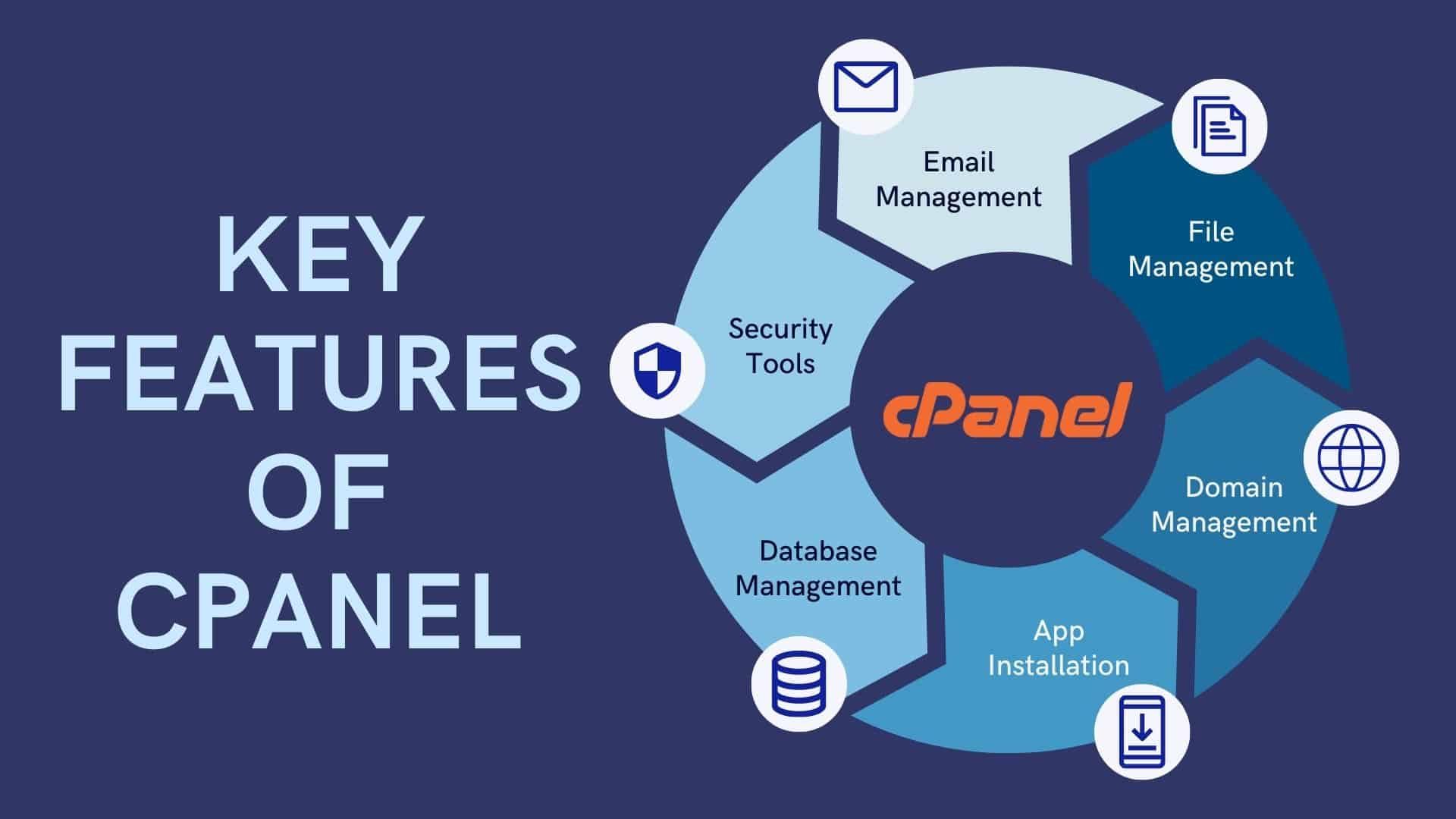
- Ease of Website Management: With cPanel, users can easily manage various aspects of their website, including domain management, file uploads, email accounts, databases, and more. The interface is designed to streamline common tasks, making it efficient for website administrators.
- One-Click Installations: cPanel often includes a tool called Softaculous or a similar auto-installer, which allows users to install popular web applications and content management systems (CMS) with just a few clicks. This simplifies the process of setting up websites, blogs, forums, and other applications.
- Email Management: cPanel provides a comprehensive email management system, allowing users to create and manage email accounts, set up email forwarding, configure spam filters, and more. It also supports popular email clients like Thunderbird and Outlook.
- Security Features: cPanel includes security features such as SSL/TLS management, password protection for directories, and IP address blocking. These features help enhance the overall security of websites and sensitive data.
- Backup and Restore: cPanel offers tools for creating and restoring backups of your website, databases, and email accounts. This helps users protect their data and recover quickly in case of unexpected issues.
- Resource Monitoring: cPanel provides insights into resource usage such as bandwidth, disk space, and CPU usage. Users can monitor their website’s performance and make informed decisions about resource allocation.
- DNS Management: Users can easily manage their domain’s DNS settings, allowing for quick changes to domain names, subdomains, and DNS records.
- Addon Domains and Subdomains: cPanel allows users to manage multiple domains from a single hosting account, making it convenient for those who host multiple websites.
- Customization: cPanel is highly customizable, allowing hosting providers to tailor the interface to their brand. Users can also customize their own settings and preferences within the control panel.